

A spreadsheet works well while the budget fits in a few hands. Once multiple departments, currencies, forecast rounds and ERP actuals come in, the team spends more time consolidating files than analyzing numbers. That is where FMS comes in.
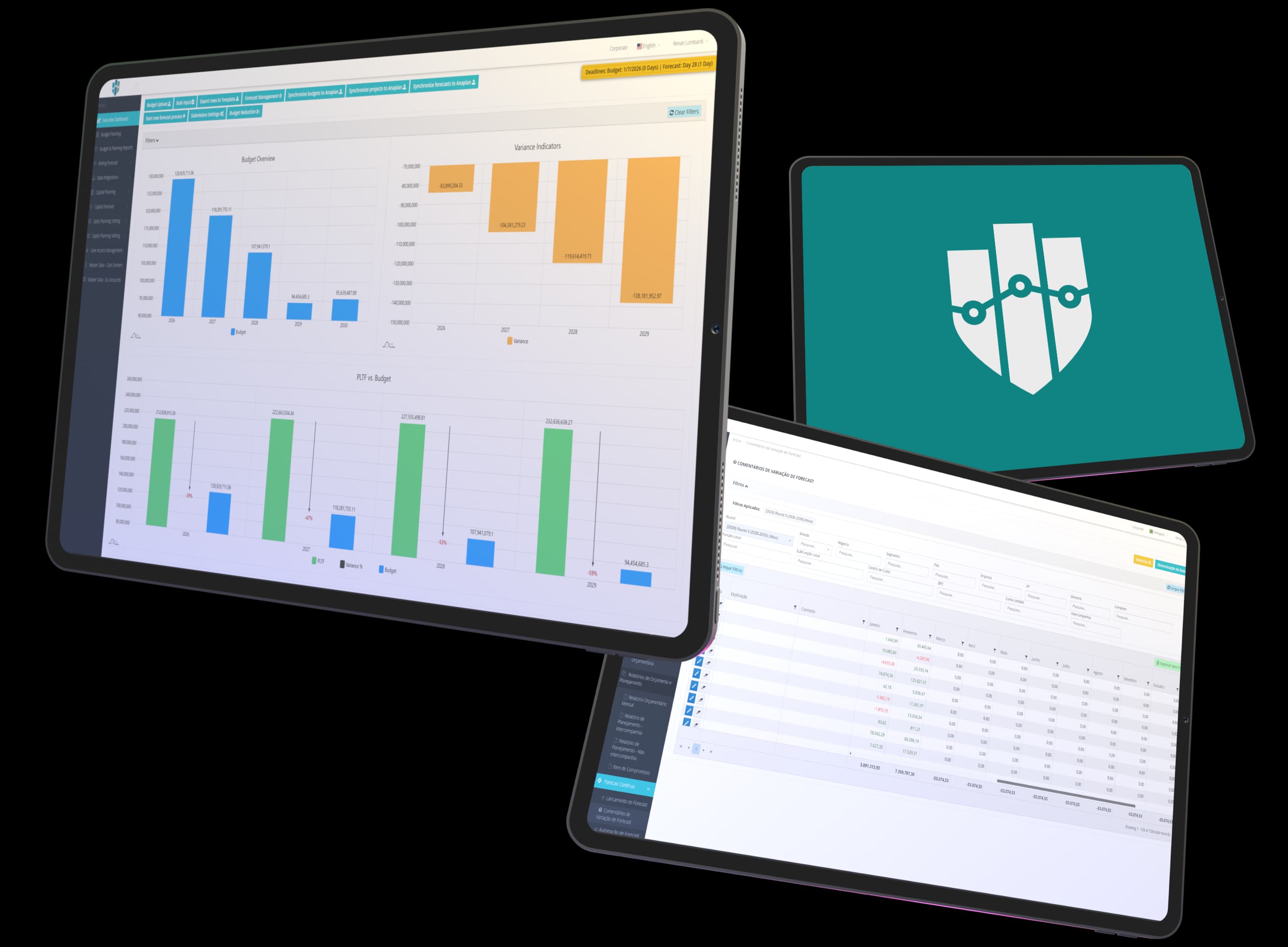
The problem is rarely the spreadsheet itself, but the process that grows around it: dozens of files, versions and people working on the same numbers.
"Budget_final_v3_revised.xlsx" circulates by email and nobody is sure which file was approved.
Merging department files, checking formulas and fixing broken links takes days every round, and a copy error goes unnoticed until the presentation.
Every new rate or forecast round calls for a new tab. Comparing budget, forecast and actuals becomes a project of its own.
Spreadsheets are flexible and everyone knows how to use them. FMS trades some of that freedom for process, traceability and automatic consolidation.
| Critério | Spreadsheets | FMS |
|---|---|---|
| Budget versions | Controlled by file names and team discipline | Rounds and versions recorded in the system, with the approved version identified |
| Consolidation across departments | Manual, merging each department's files | Automatic: all departments enter data in the same base |
| Change history | Limited to the file's version history | Approvals and comments recorded with user and date |
| Forecast and reforecast | Possible, with copies of the budget and custom formulas | Cycles with deadlines, locked months with actuals and comparison with the previous forecast |
| Capex and investment projects | Usually in files separate from the operating budget | Capex budget and forecast by project, with approval and settlement to cost centers |
| Multiple currencies, inflation and exchange rates | Tables and formulas maintained by hand | Exchange rate and inflation tables applied automatically, with local and consolidation currency views |
| ERP integration | Exporting and pasting reports | Integration with SAP, Protheus and Oracle to bring in actuals |
| Access control by department | By file or shared folder | By user and cost center, within the system |
If the budget is prepared by a few people, in one currency and without forecast rounds, a spreadsheet is usually enough. FMS starts to make sense when multiple departments take part, when there is more than one currency or country, and when consolidation and forecasting take more time than analysis.
Get in touch to learn about our solutions and understand how we strengthen financial and accounting processes. Our team is ready to assess your company’s operation and present the clearest path to increasing management maturity.
Fill out the form and a PRAESKIUS specialist will get in touch.
Yes. FMS imports budget and forecast from Excel templates, validating the data before saving it. During implementation, we help bring your current structure into these templates.
No. FMS replaces the spreadsheet in the budget, forecast and reforecast process, but departments can still export data to Excel and work on it whenever they want.
It depends on the number of departments, currencies and integrations. Talk to a specialist to estimate the implementation based on your current process.